
Odontogram
From finding to inventory, entered once
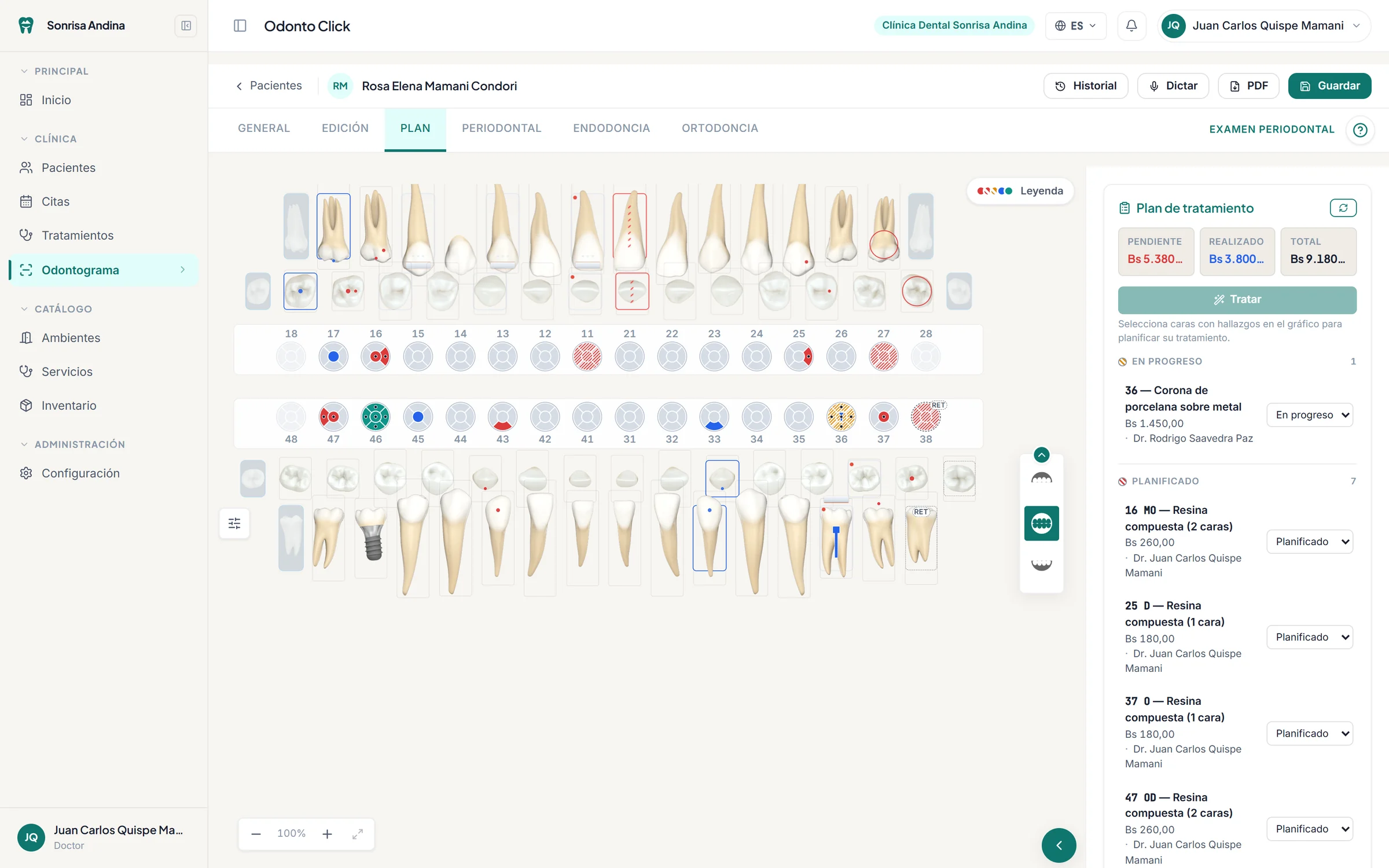
A treatment created on the odontogram is the same one you see in the patient record, on the schedule and in your reports.
- 1
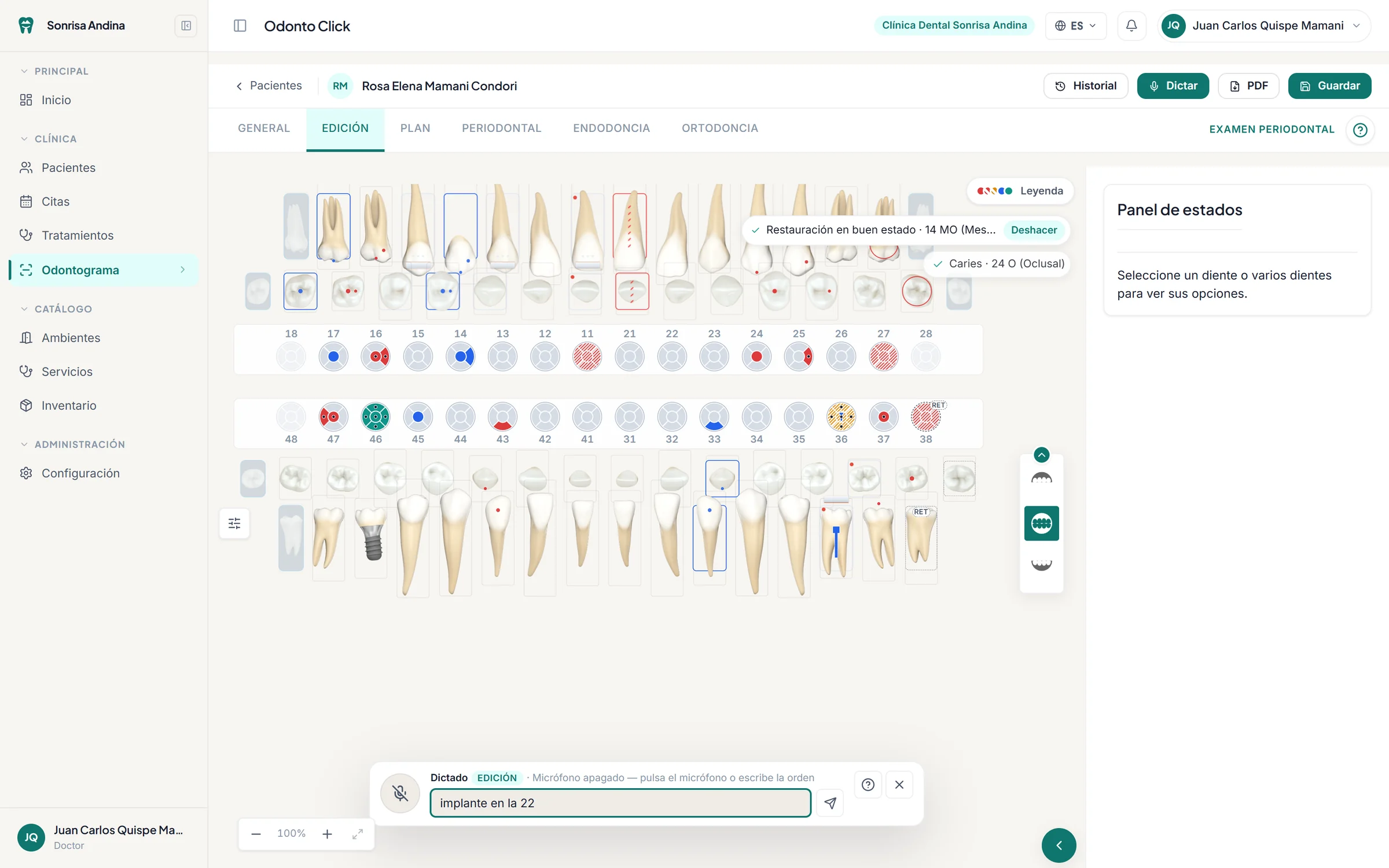
Chart the finding
Caries on the occlusal surface of 36, with a click or the brush tool.
- 2
Turn it into a treatment
The Treat button links it to your service catalog, price included.
- 3
The estimate updates
Pending, completed and total, in your clinic’s currency.
- 4
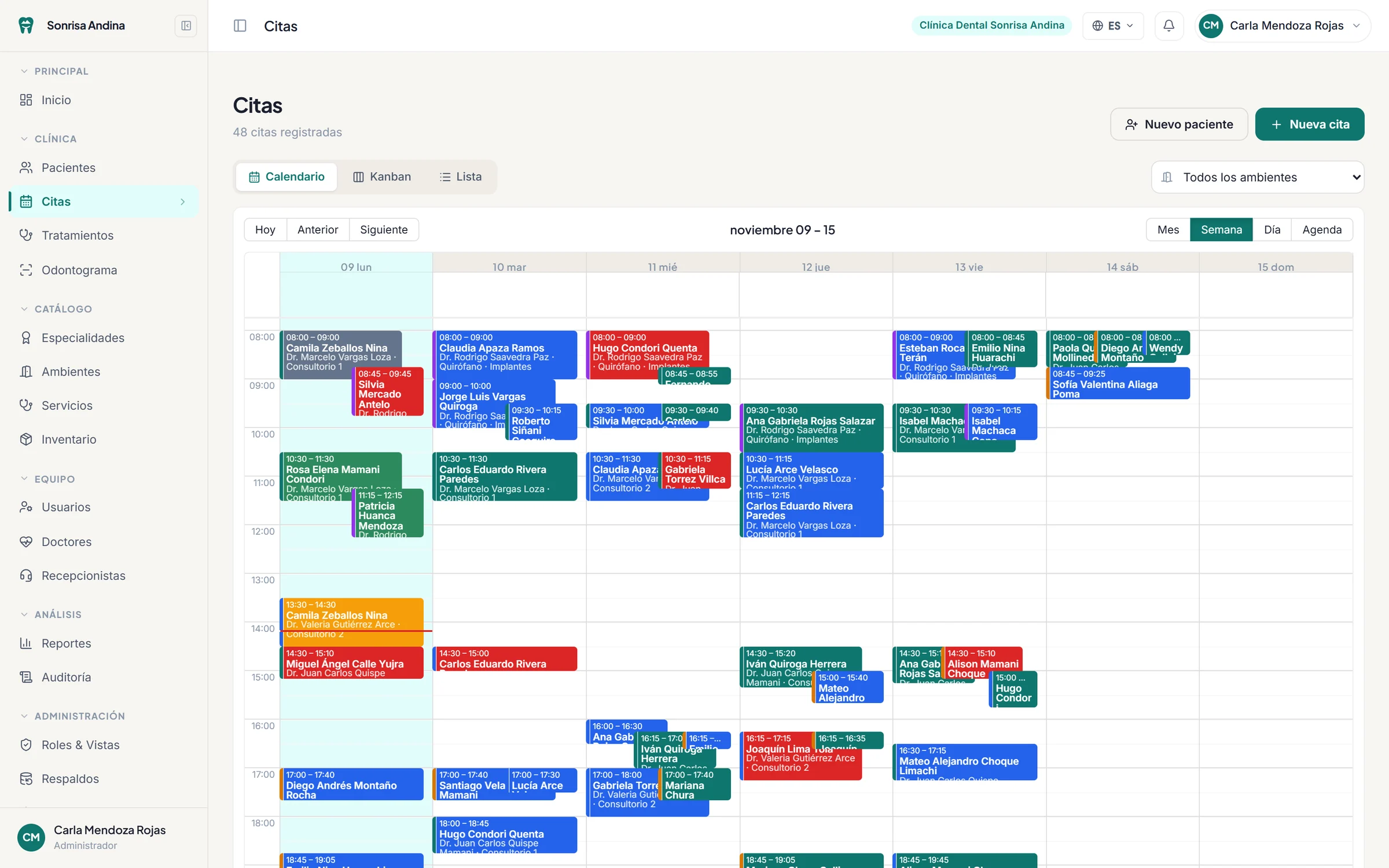
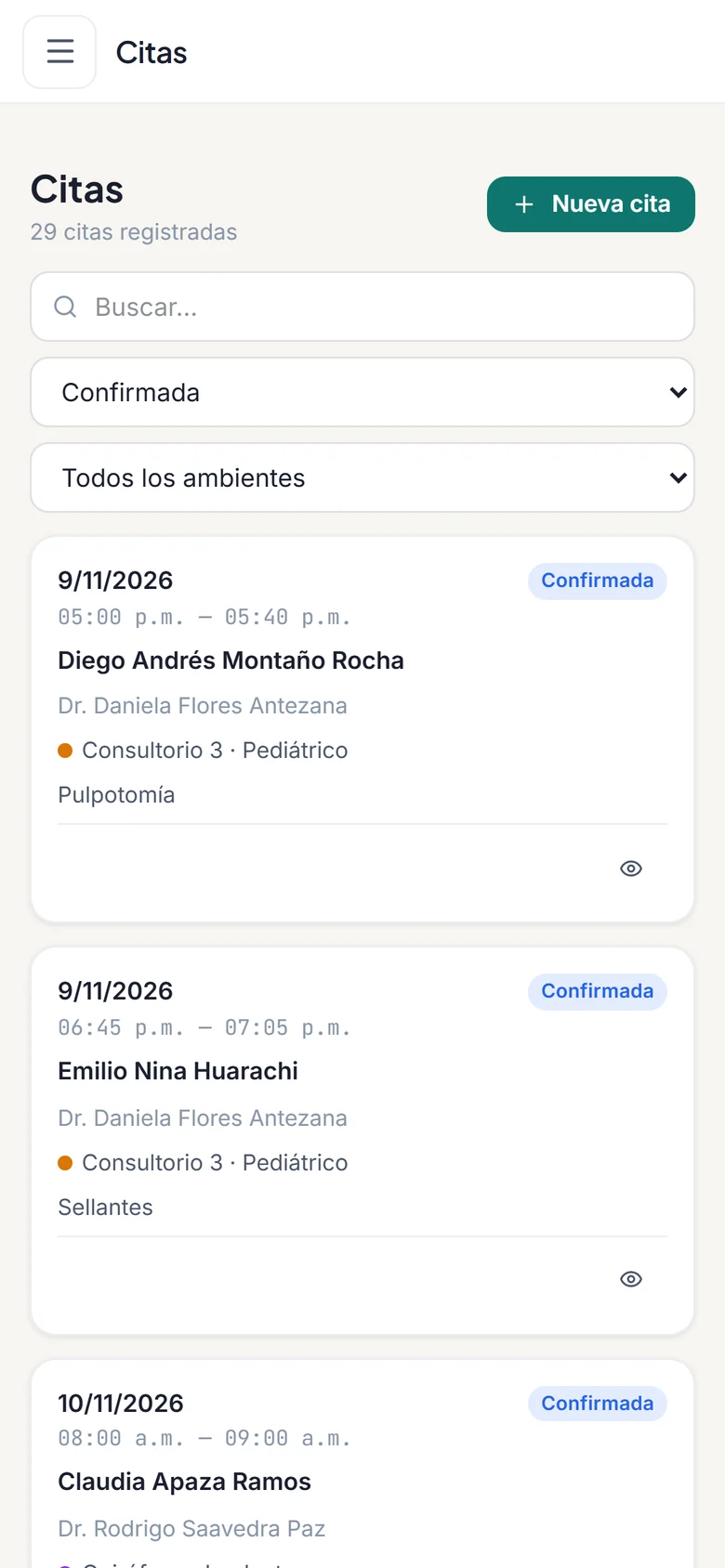
Schedule it
The treatment moves to the appointment with its duration and dentist.
- 5
Supplies are deducted
Mark it as completed and your inventory goes down on its own.
And everything that happens away from the chair
See all features- Guided clinical history
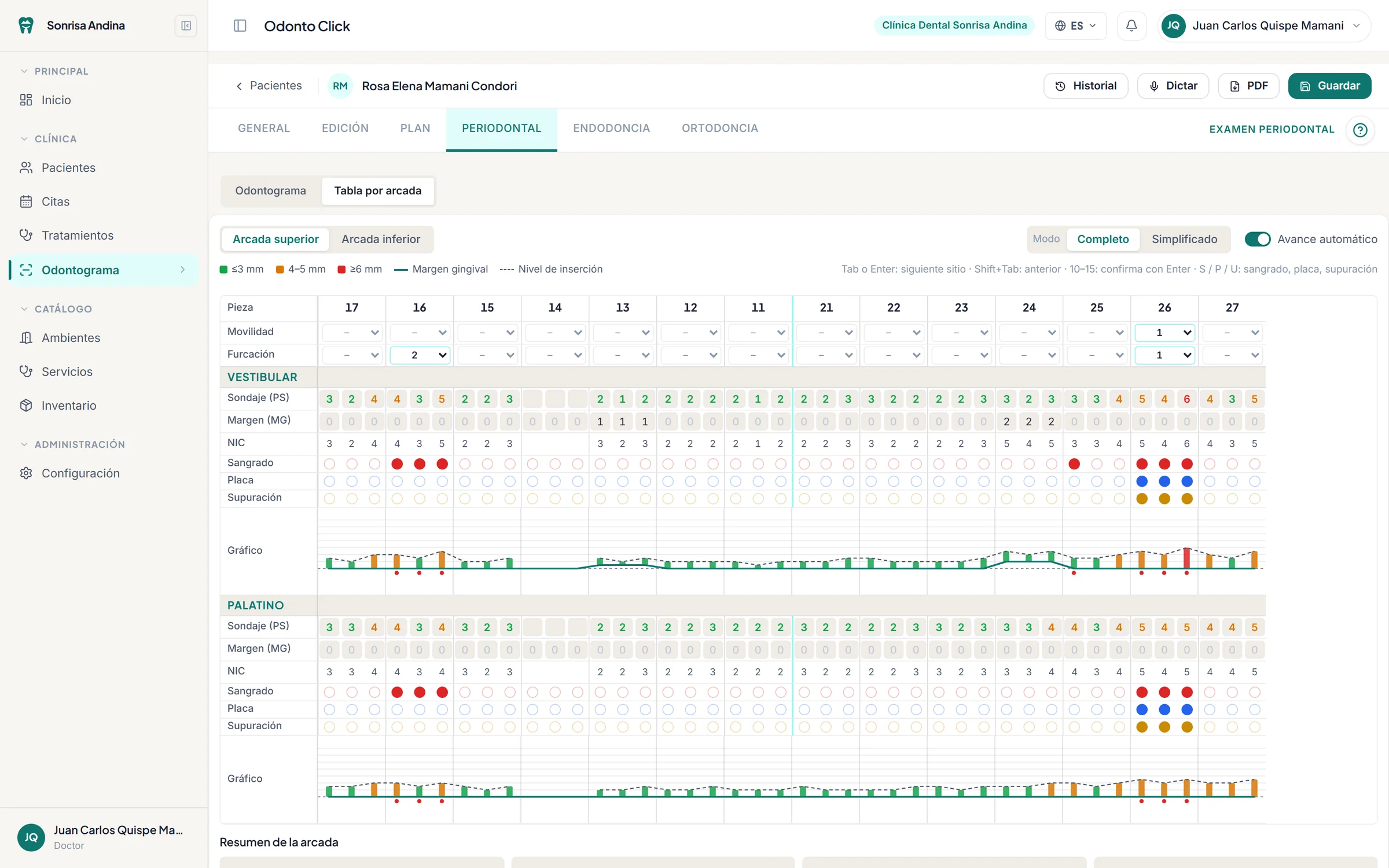
- Medical history, exams, diagnosis and treatment plan, step by step.
- Patients
- Records with visible allergies, appointments, treatments and progress notes. Excel import.
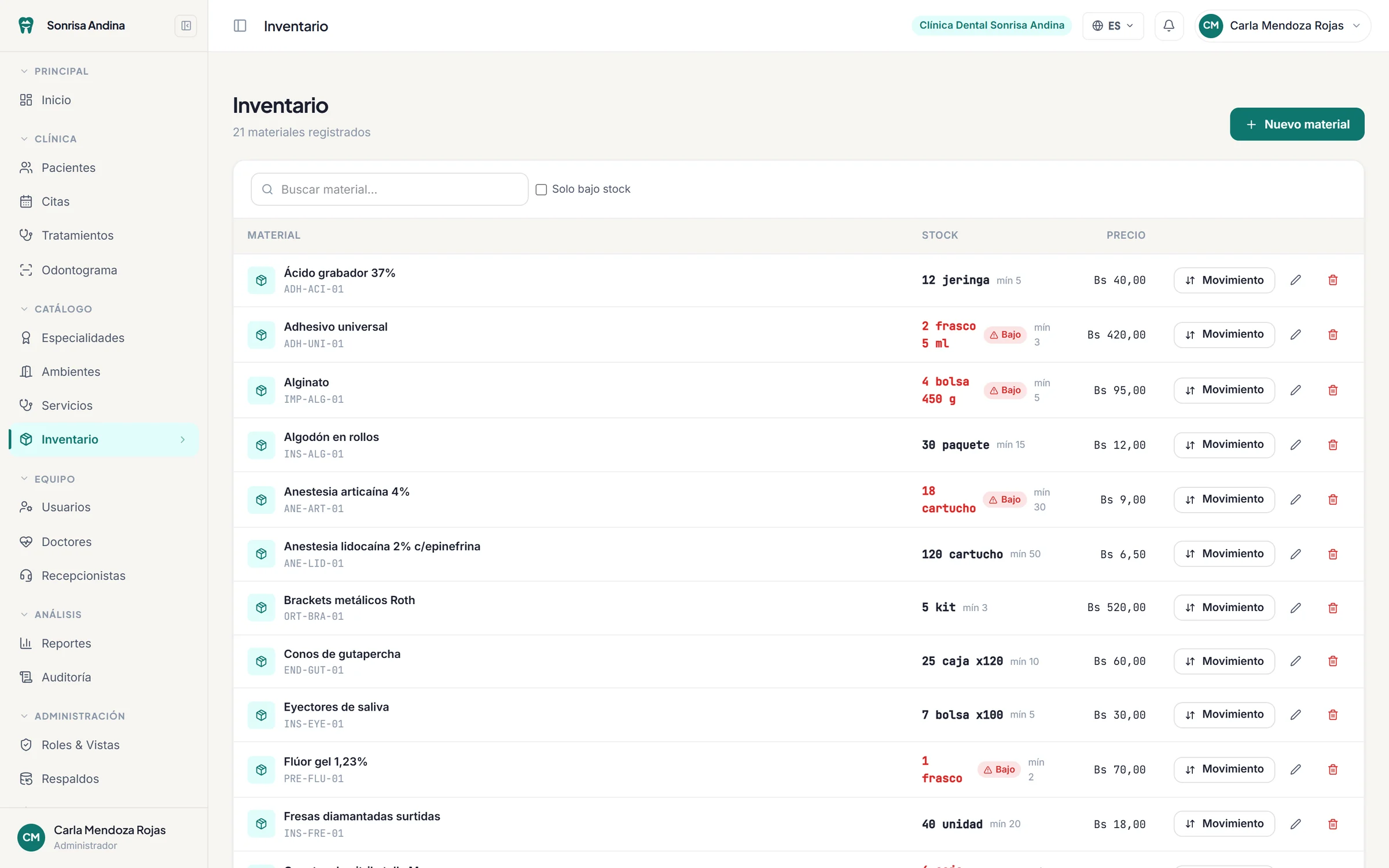
- Inventory
- Minimum stock, stock movements and automatic deduction per treatment.
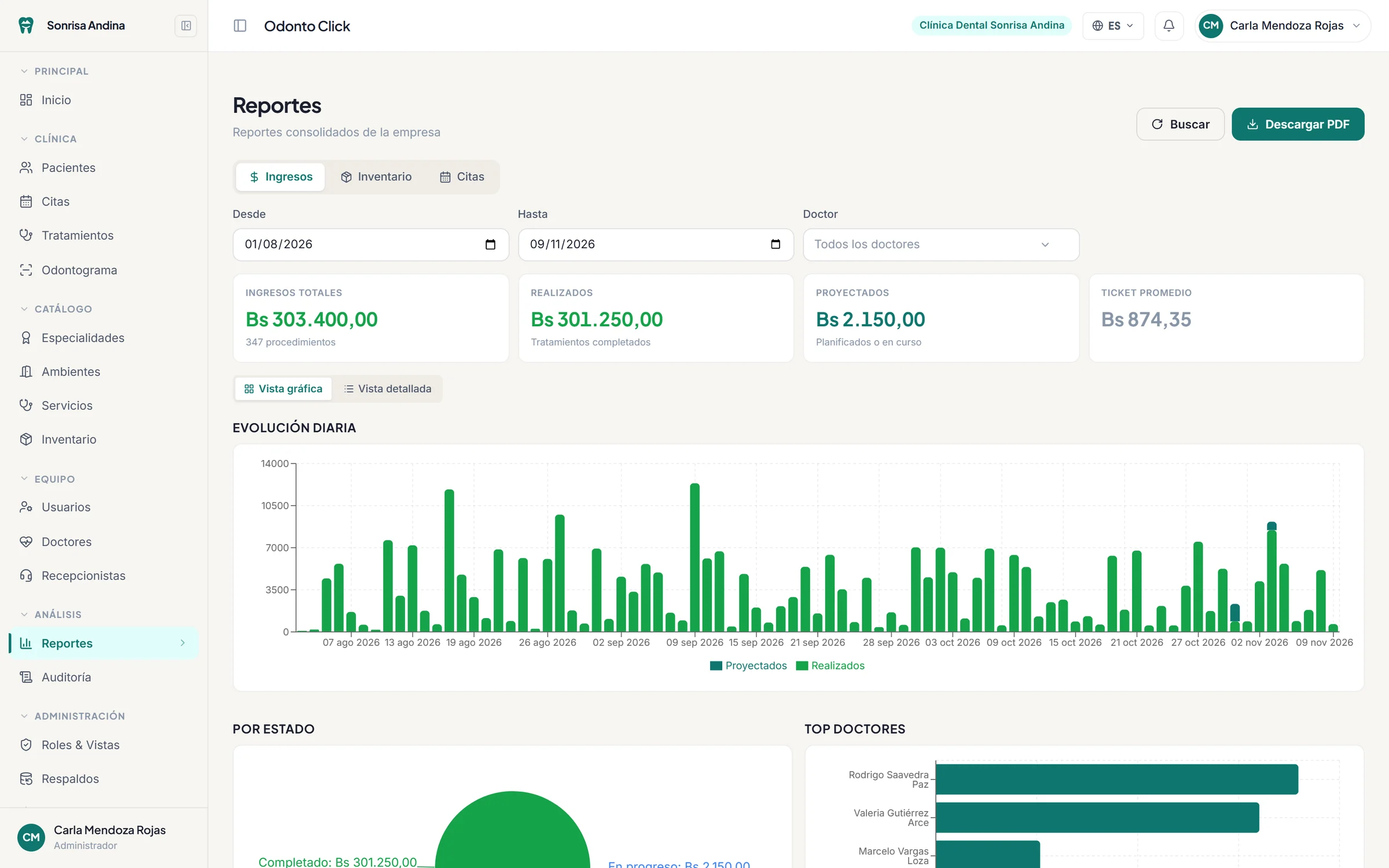
- Reports
- Revenue, appointments and inventory by date range and by dentist, as PDF.
- Role permissions
- You decide what each role can view, create, edit or delete in every module.
- Backups
- Download your clinic’s data and restore it, choosing what to overwrite.
Plans based on the size of your team
Prices in US dollars, per month. Nothing to install.
See Odonto Click with your own cases
We walk you through the system on a video call and answer your questions. If you want to try it with your team, we set that up from the same form.